
You know the formula exists.
Most students spend 20–30 minutes looking up grade weight tables, doing the maths manually, and still getting it wrong.
Calcut does it in under a minute. Accurately. For every course, from every public university in Uganda, at the same time.
Here is exactly how to use it.
What You Need Before You Start
Have these ready:
- Your O’level results (UCE) — how many Distinctions, Credits, Passes, and Failures you scored
- Your A’level combination — the Principal and Subsidiary subjects you sat
- Your A’level grades — what grade you scored in each subject (A, B, C, D, E, O, or F)
- Your gender — female students receive an automatic 1.5-point bonus
That is everything. No documents to upload. No registration required.
Step 1: Open Calcut
Go to open.calcut.app or download Calcut from Google Play or the App Store.
The calculator is free.
Step 2: Enter Your O’Level Grades
Calcut asks for your UCE results in four numbers:
- Distinctions (D) — how many subjects you scored a Distinction in
- Credits (C) — how many Credits
- Passes (P) — how many Passes
- Failures (F) — how many Failures
You do not need to enter individual subjects. Just the tally.
Calcut uses the standard O’level weight formula to convert these into your O’level academic weight automatically.

Step 3: Select Your A’Level Combination
Choose the combination of subjects you studied at A’level — this is what determines which university courses you can apply for.
Common combinations include:
- PCB — Physics, Chemistry, Biology
- PCM — Physics, Chemistry, Mathematics
- HEG — History, Economics, Geography
- MEG — Mathematics, Economics, Geography
Select your Principal subjects and your Subsidiary subjects. If you are not sure what counts as subsidiary, it is typically General Paper and an additional fourth subject.
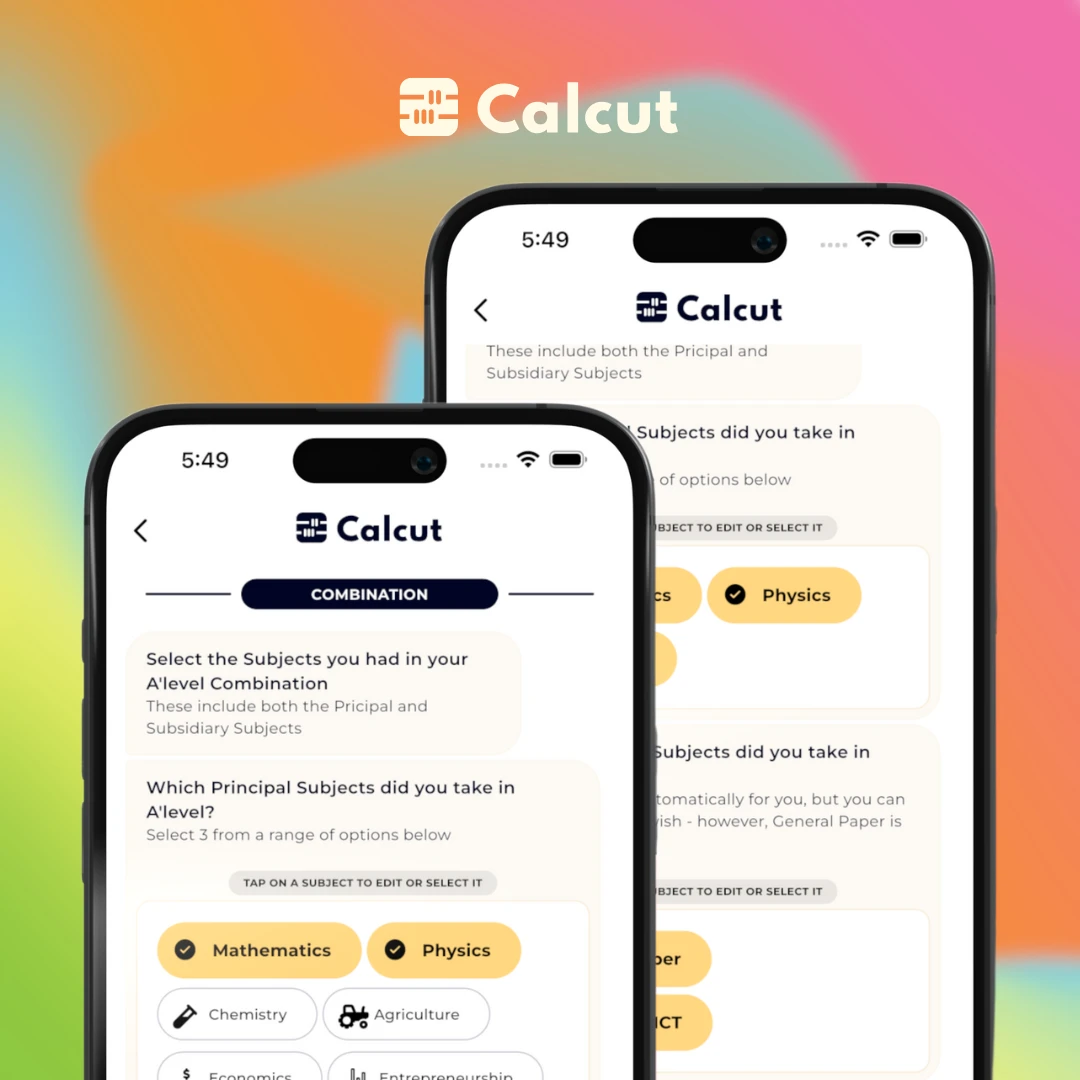
Step 4: Enter Your A’Level Grades
For each subject in your combination, select the grade you scored on your UACE results slip:
A → highest | B → very good | C → good | D → credit | E → pass | O → subsidiary pass | F → fail
Principal subjects carry significantly more weight than Subsidiary subjects. Calcut knows which subjects are Principal and which are Subsidiary based on your combination — you just enter the grade.
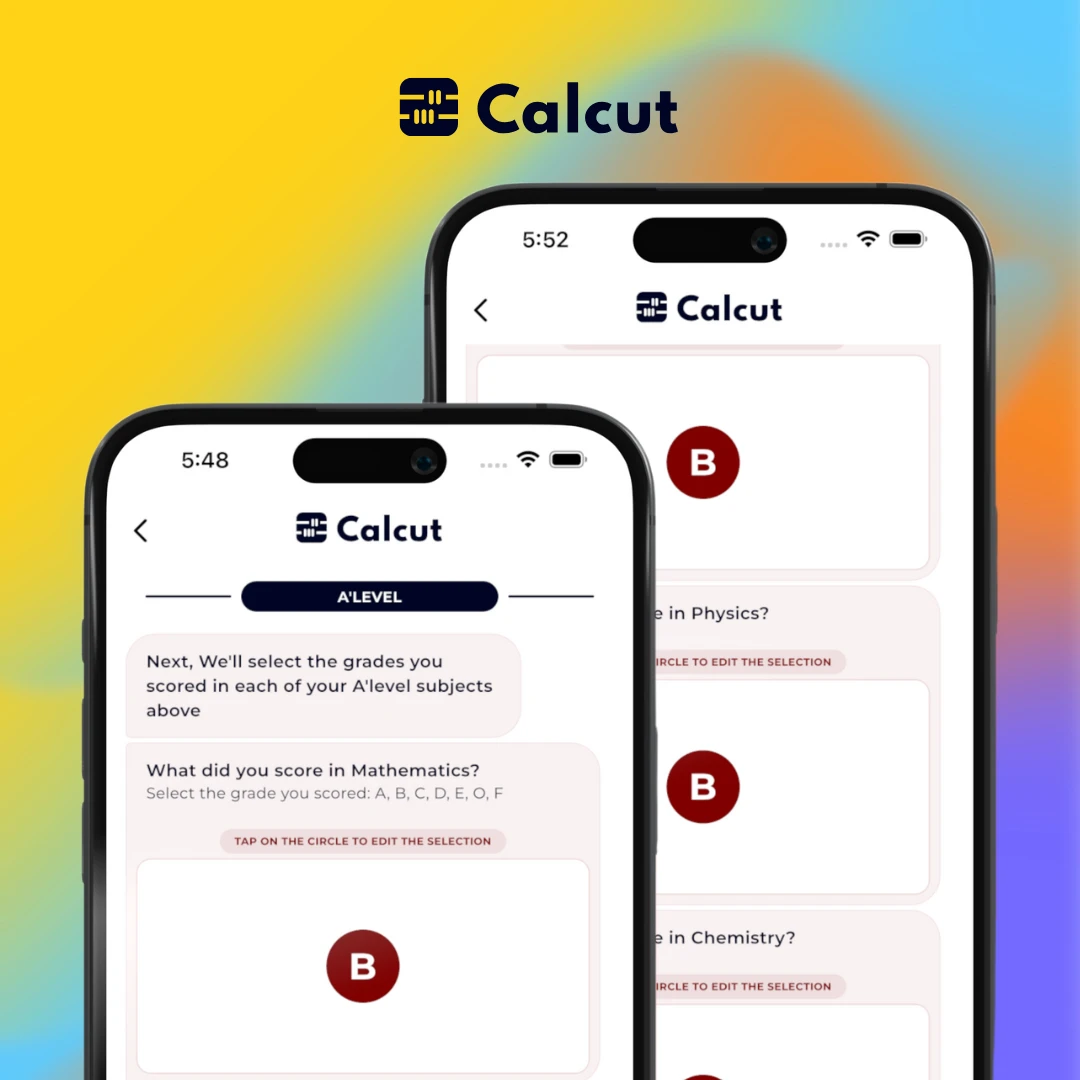
Step 5: Select Your Gender
Select whether you are Male or Female.
Female students receive an additional 1.5 points added to their total cut-off score. This is a government affirmative action policy applied across all public universities in Uganda.
Calcut applies this automatically — you will not have to remember to add it yourself.
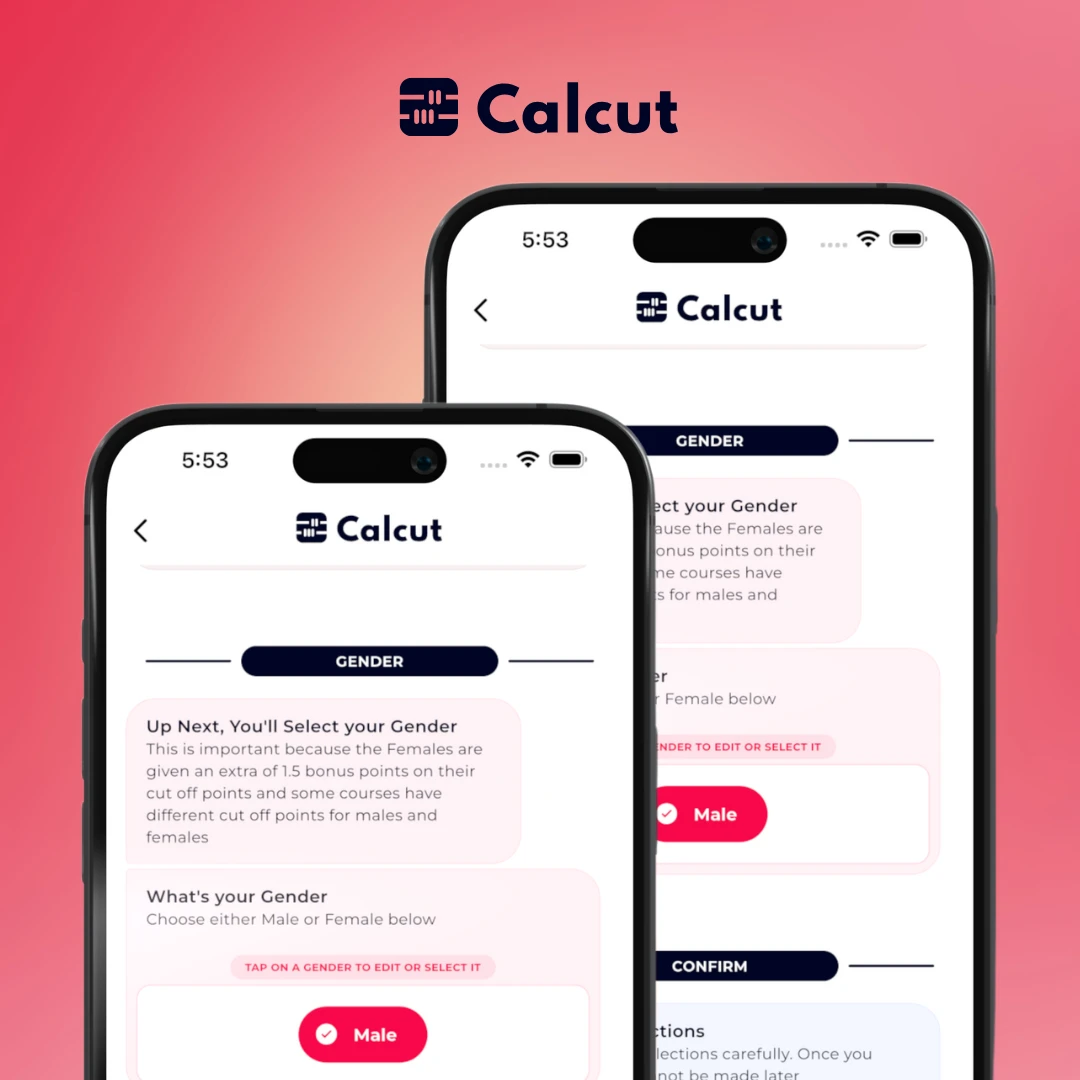
Step 6: Get Your Cut-Off Points
Your total academic weight is calculated immediately.
Calcut shows a full breakdown of how the number was reached — O’level weight, A’level weight from each subject, and the gender bonus (if applicable). You can see exactly where every point comes from.
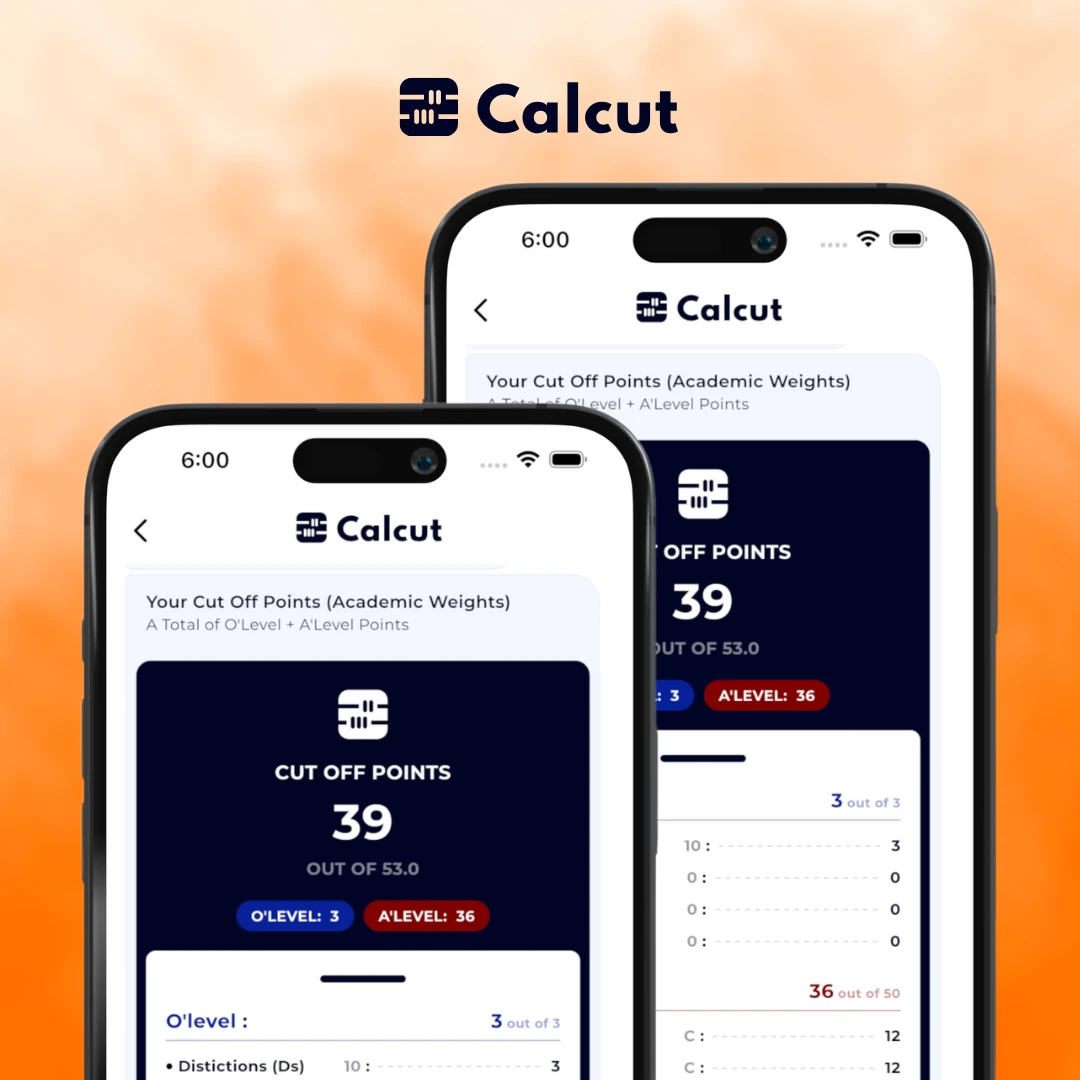
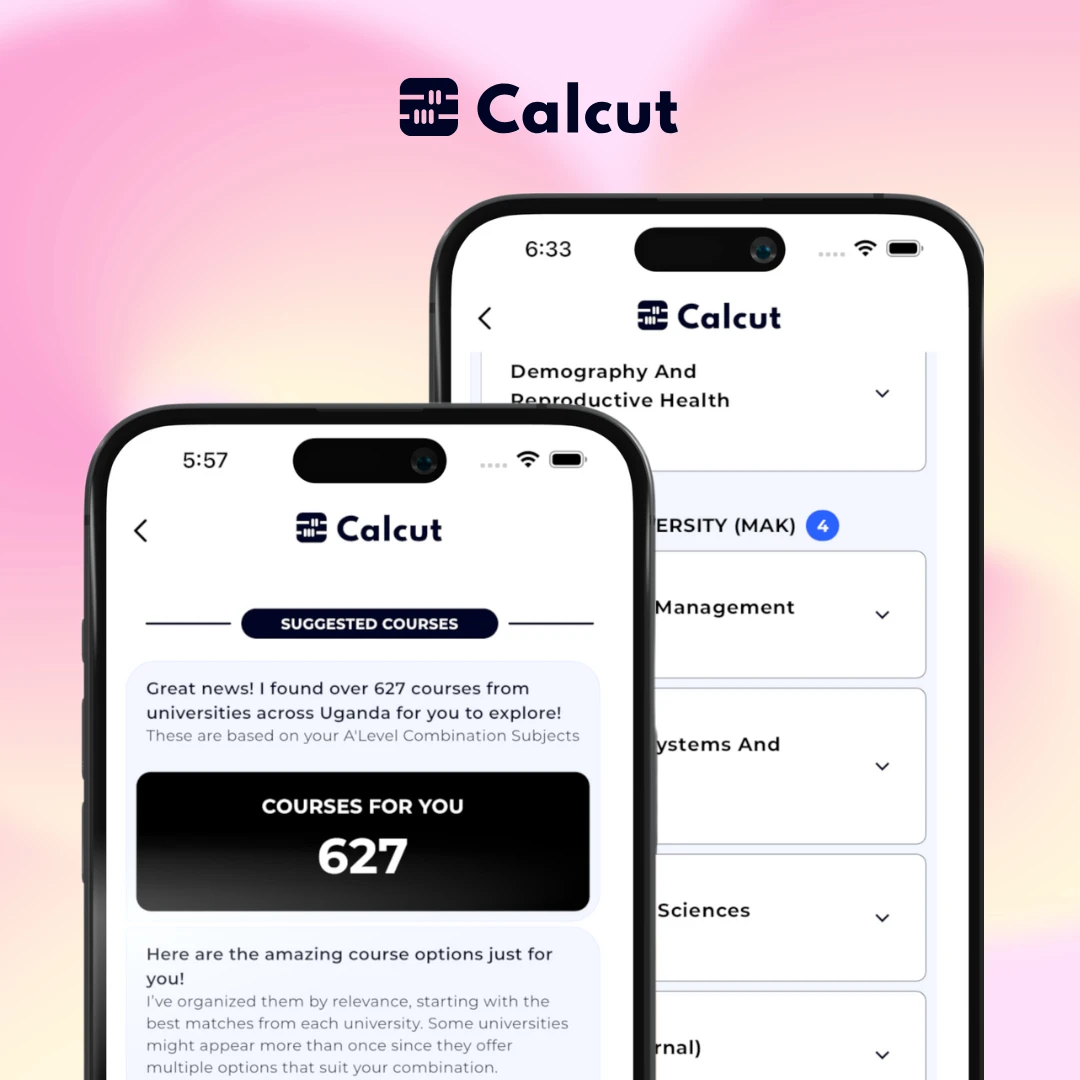
Step 7: See the Courses You Qualify For
Once your cut-off is calculated, Calcut surfaces every university course you are eligible for across all public universities in Uganda.
For each course, you see:
- The course name
- The university offering it
- The required A’level combination
- The minimum cut-off threshold
If your weight meets or exceeds the threshold, you qualify. No guessing. No applying in the dark.
Why Not Calculate Manually?
You can. The formula is public and we have a full breakdown of how the calculation works.
But manual calculation has problems:
- Grade weight tables differ by course, not just by university
- A single wrong entry changes your total significantly
- You would need to repeat the calculation for every course you are considering
Calcut runs the correct course-specific formula for all courses simultaneously. One entry. Every answer at once.
Done in Under a Minute
Open Calcut. Enter your results. Get your cut-off points and course options.
That is it.
Calculate Your Cut-Off Points Now
Enter your O'level and A'level results. Get your academic weights in seconds. See every course you qualify for — from all universities in Uganda.